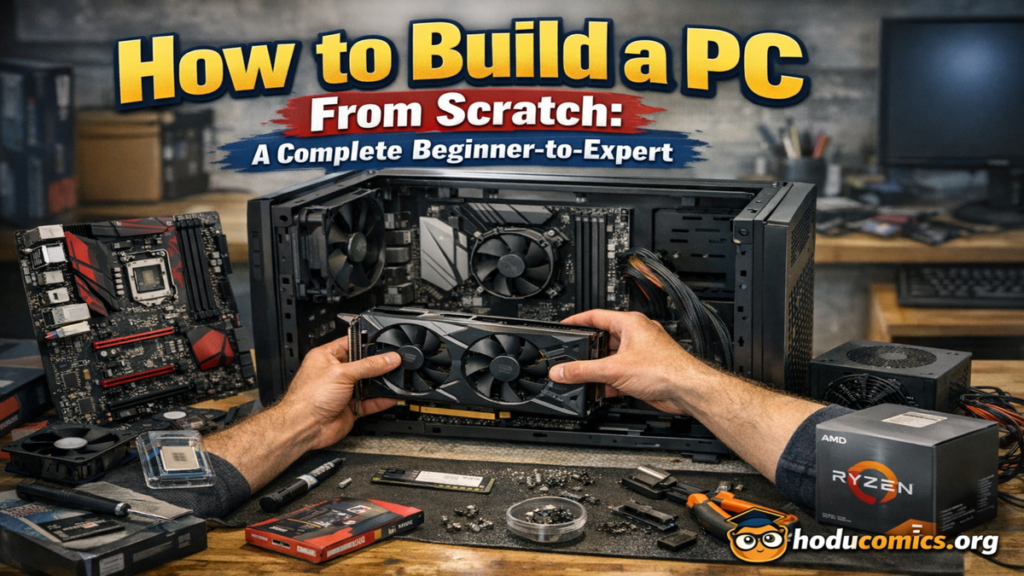
i remember the first time i decided to build a PC instead of buying one. i was overwhelmed by parts, compatibility charts, and advice that assumed i already knew the basics. over time, through hands-on builds, mistakes, and upgrades, i learned that building a PC is not about being a technician. it is about understanding how components work together and making smart choices for your needs.
learning how to build a PC gives you control. you decide performance, budget, upgrade path, and even how quiet or visually clean the system feels. whether the goal is gaming, professional work, content creation, or everyday use, a custom-built PC can outperform prebuilt systems at the same price.
this guide explains how to build a PC step by step, in clear and practical language. i focus on real understanding rather than shortcuts. by the end, you will know how to choose compatible parts, assemble them safely, install software, and avoid common beginner mistakes. no prior experience is required, only patience and curiosity.
Understanding What a PC Really Is


a personal computer is a system of independent components working together. each part has a specific role, and performance depends on balance rather than one powerful component.
the core of every PC is the motherboard. it connects all components and allows them to communicate. the processor handles calculations and logic. memory stores active data for fast access. storage holds the operating system and files. the power supply delivers stable electricity. the case protects everything and controls airflow.
when people struggle with building a PC, it is usually because they see parts as isolated choices. in reality, compatibility and balance matter more than brand names or marketing claims. understanding this early makes the entire process smoother and more enjoyable.
Planning Your PC Build Before Buying Anything


before purchasing parts, i always plan the build on paper or a digital list. planning saves money and prevents incompatible purchases.
start by defining the purpose of the PC. gaming, office work, video editing, programming, or general use all have different requirements. next, set a realistic budget that includes the operating system and peripherals if needed.
another important step is deciding how long you want the system to last. if upgrades are planned later, choose a motherboard and power supply that allow expansion. rushing into buying parts without this planning phase is the most common beginner mistake.
Choosing the Right Processor


the processor, often called the CPU, is the brain of the PC. it affects speed, multitasking ability, and overall responsiveness.
for beginners, the most important factors are core count, clock speed, and socket compatibility. more cores help with multitasking and professional workloads. clock speed affects single-task performance. the socket determines which motherboard you can use.
i recommend choosing the processor early because it influences several other component choices. always confirm that the motherboard chipset supports the exact CPU model. ignoring this detail can result in a system that does not boot.
Selecting a Compatible Motherboard


the motherboard is the foundation of the build. it determines expandability, connectivity, and long-term upgrade options.
key factors include socket type, form factor, RAM support, storage connections, and expansion slots. form factor affects case compatibility. RAM support defines maximum memory speed and capacity.
from experience, it is better to buy a slightly better motherboard than the minimum required. a good motherboard improves system stability and makes future upgrades easier. however, avoid paying for features you will never use.
Understanding RAM and How Much You Need


memory, or RAM, allows your PC to run programs smoothly. insufficient RAM causes slowdowns, freezing, and poor multitasking.
for general use, 16 GB is a comfortable starting point. for gaming and creative work, 32 GB provides headroom. RAM speed and generation must match motherboard support.
i always install RAM in pairs to enable dual-channel mode, which improves performance. placing sticks in the correct slots is important and clearly marked on most motherboards.
Choosing Storage: SSDs and HDDs Explained


storage affects how fast your system boots and loads files. modern PCs should always include an SSD.
solid state drives offer fast speeds and reliability. hard drives provide large capacity at lower cost. many builds use both, with an SSD for the operating system and applications, and an HDD for storage.
Picking the Right Graphics Solution

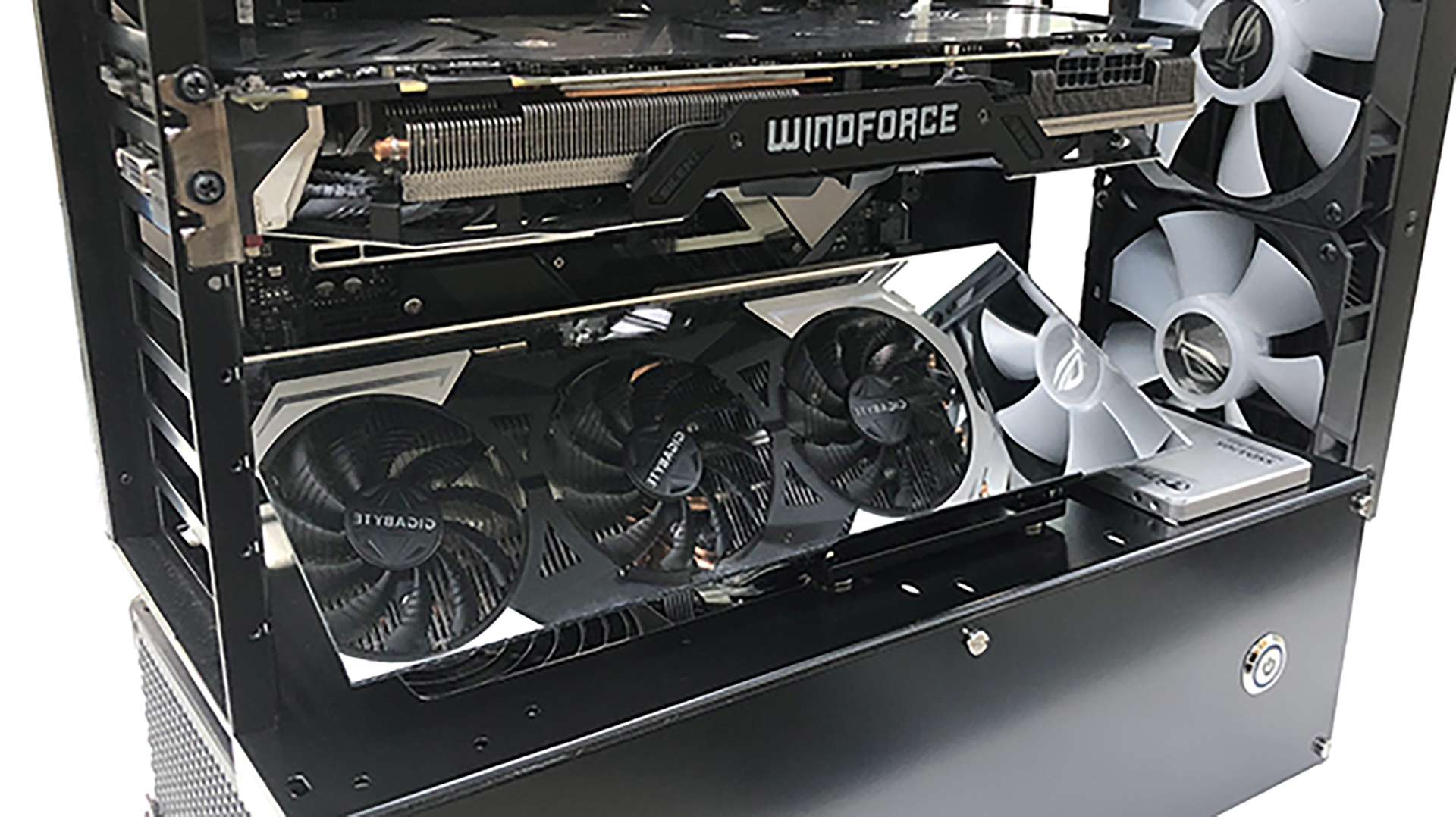
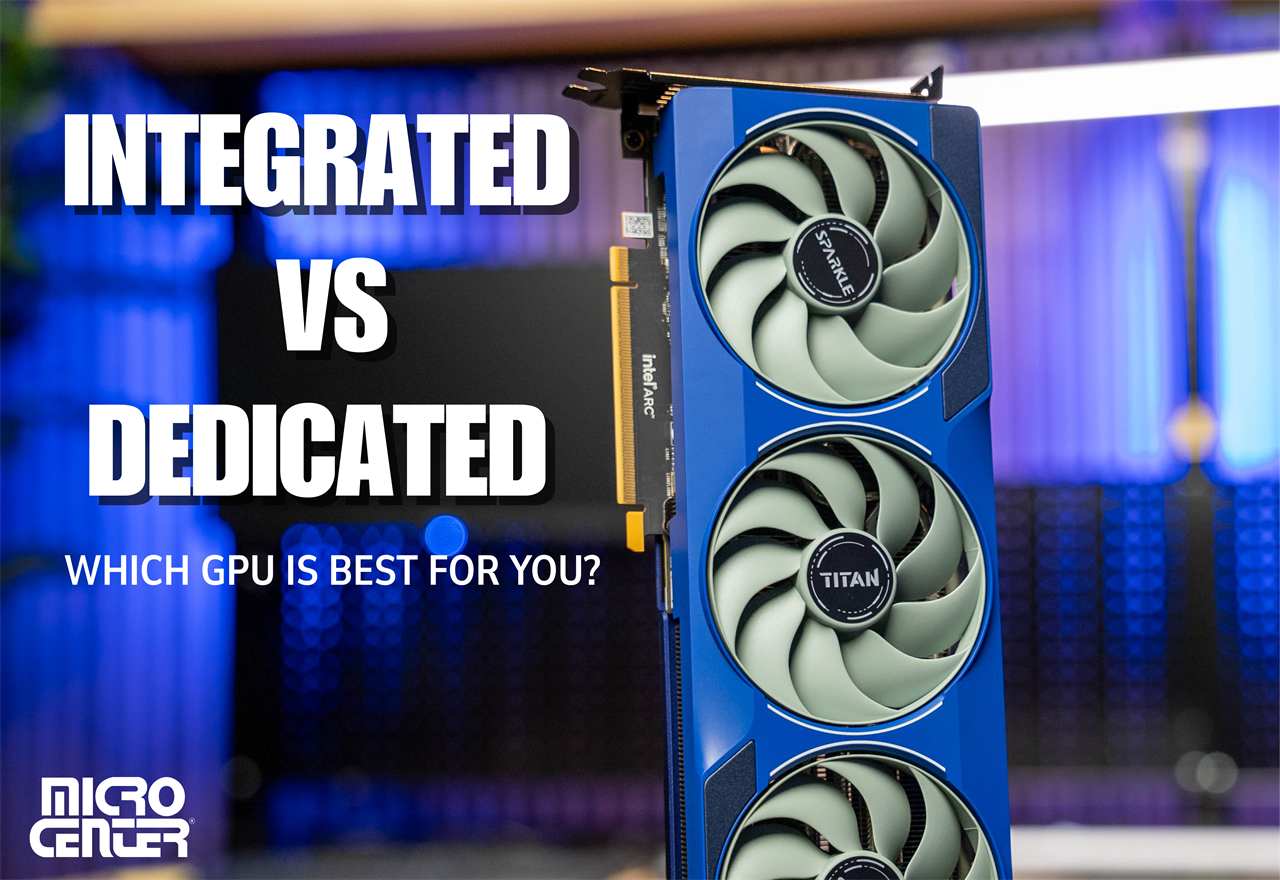
graphics processing is essential for gaming, design, and video editing. some processors include integrated graphics, which are sufficient for basic use.
dedicated graphics cards provide significantly higher performance. choosing one depends on resolution, refresh rate, and workload type.
graphics cards are often the most expensive component. always ensure the power supply and case support the chosen card. size and power requirements are commonly overlooked.
Power Supply Selection and Safety


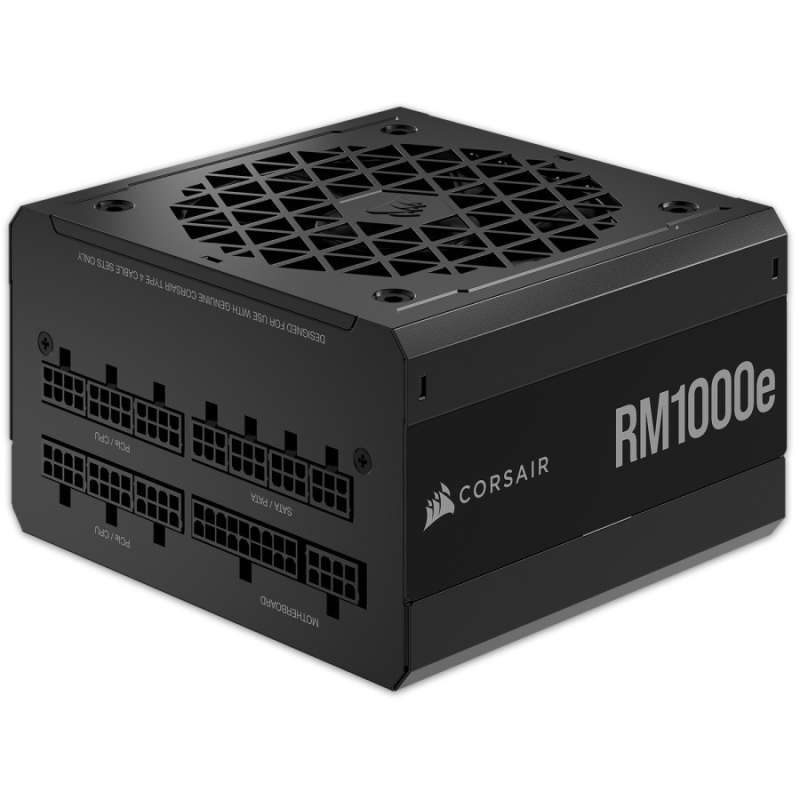
the power supply converts electricity into usable power for components. quality matters more than wattage alone.
choose a reputable unit with enough wattage headroom. efficiency ratings indicate energy efficiency and heat output.
i never recommend buying the cheapest power supply. a poor unit can damage components and reduce system lifespan.
Power Supply Sizing Table
| Build Type | Recommended Wattage |
|---|---|
| Office or basic | 450 to 550 W |
| Gaming mid-range | 650 to 750 W |
| High-end workstation | 850 W or higher |
Selecting a Case and Managing Airflow
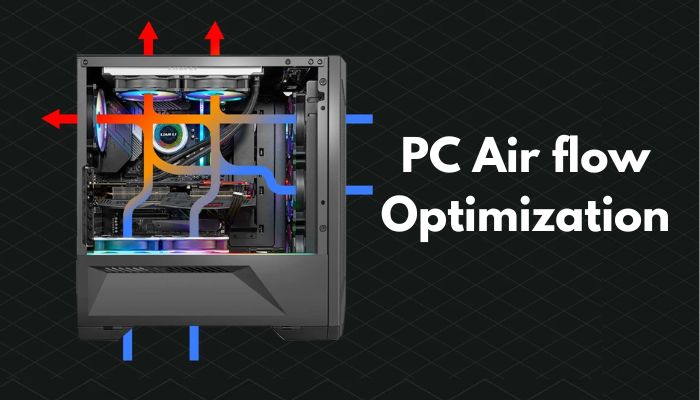
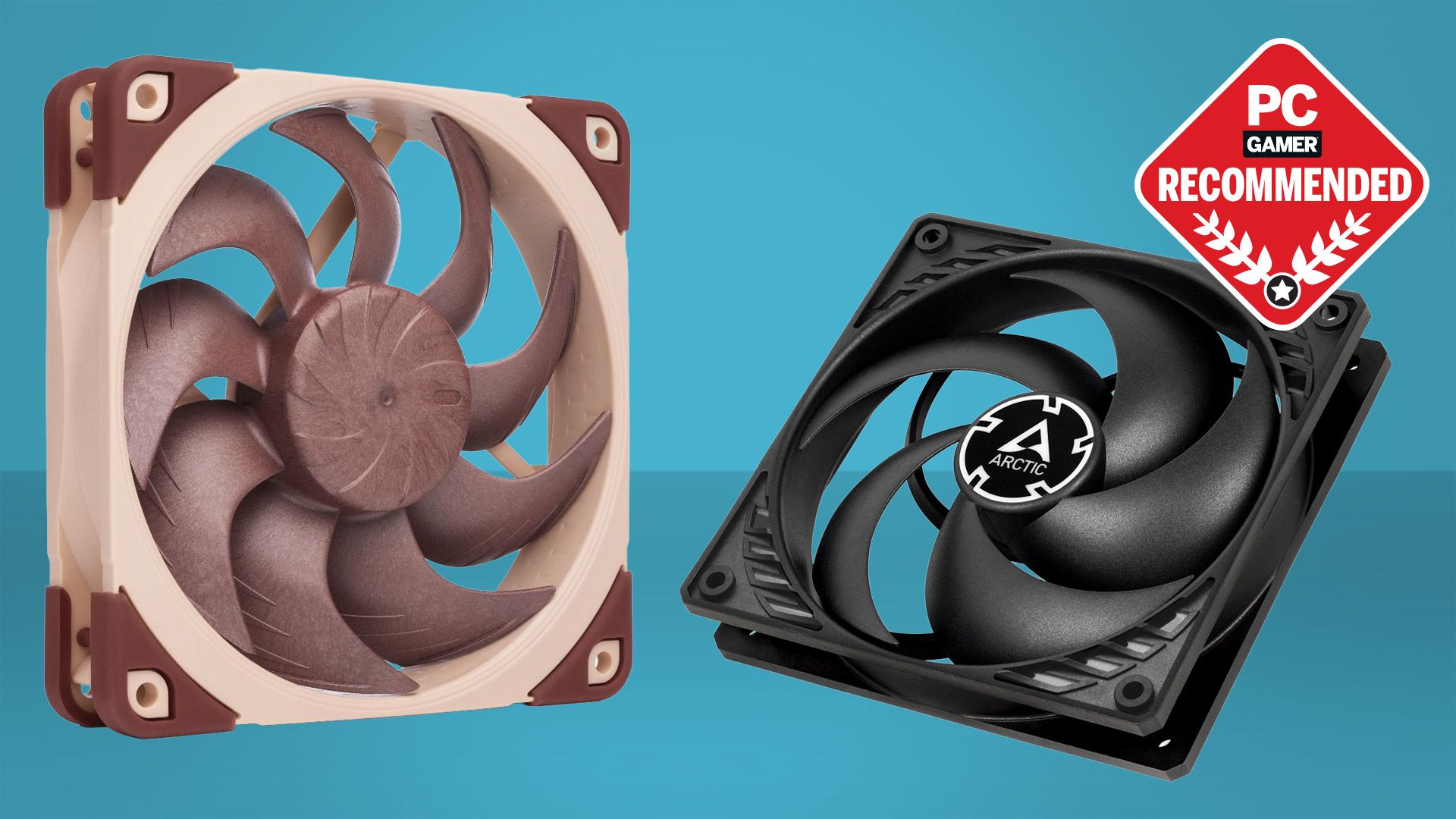

the case affects cooling, noise, and ease of assembly. it must match the motherboard form factor and graphics card size.
airflow design is more important than appearance. good airflow keeps components cool and stable.
i prefer cases with mesh fronts and multiple fan mounts. cable management space also makes building and future maintenance easier.
Tools and Preparation Before Assembly


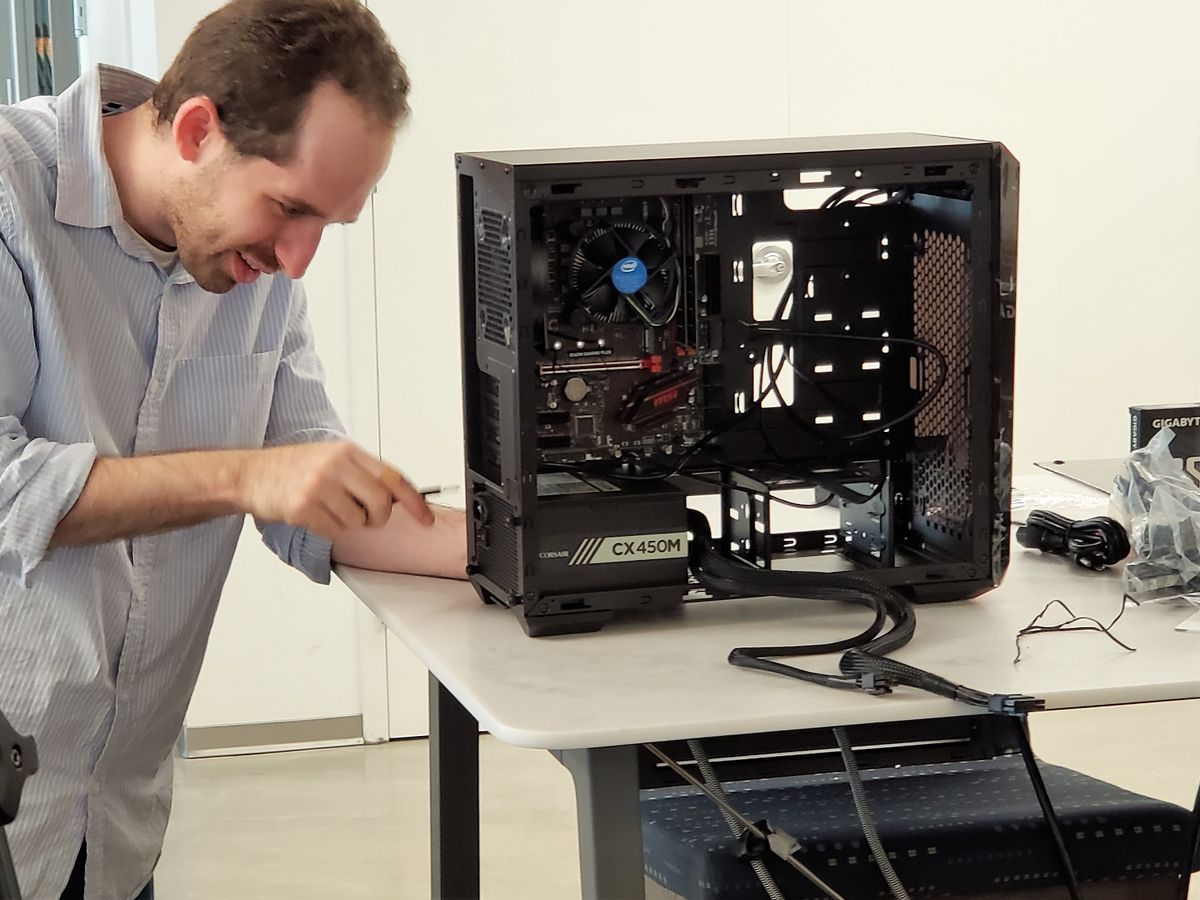
before assembling, prepare a clean workspace with good lighting. a magnetic screwdriver, thermal paste if needed, and patience are essential.
static electricity is rarely an issue but grounding yourself occasionally is a good habit. keep manuals nearby, especially for the motherboard.
Step-by-Step PC Assembly Process


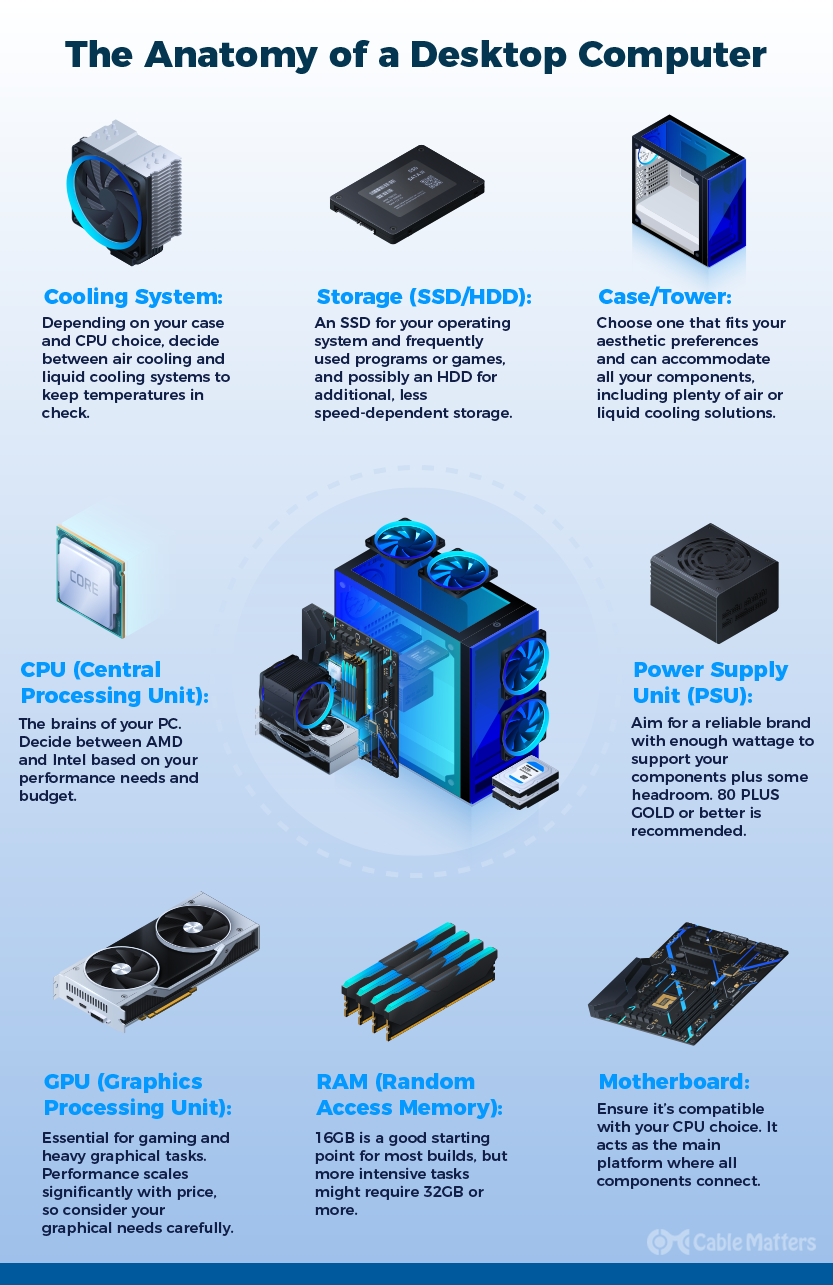
i always follow a consistent assembly order. install the CPU, cooler, and RAM on the motherboard first. mount the motherboard in the case. install storage, power supply, and graphics card. connect cables carefully.
never force components. if something does not fit, recheck orientation and compatibility. patience prevents damage.
First Boot and BIOS Setup
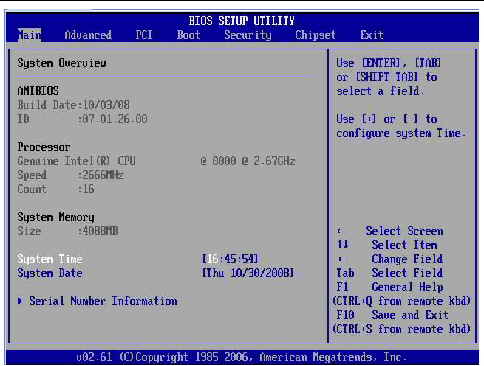
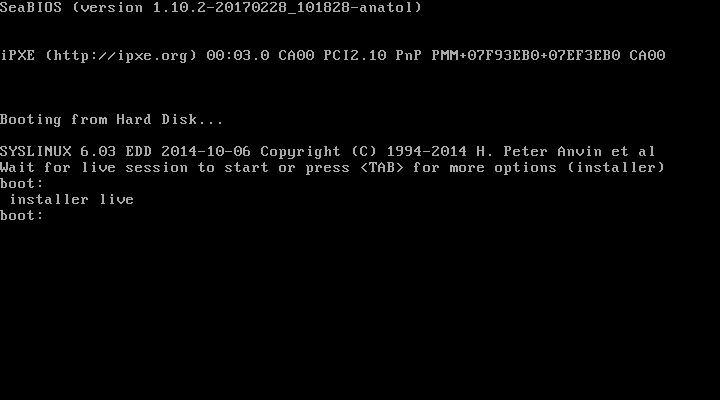
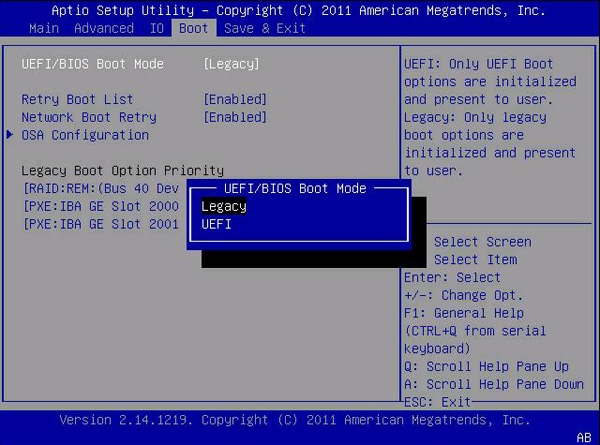
the first boot is a critical moment. enter the BIOS to confirm all components are detected.
set memory profiles for correct RAM speed. check temperatures. update the BIOS if needed.
if the system does not boot, recheck power connections and RAM seating. most issues are simple and fixable.
Installing the Operating System and Drivers

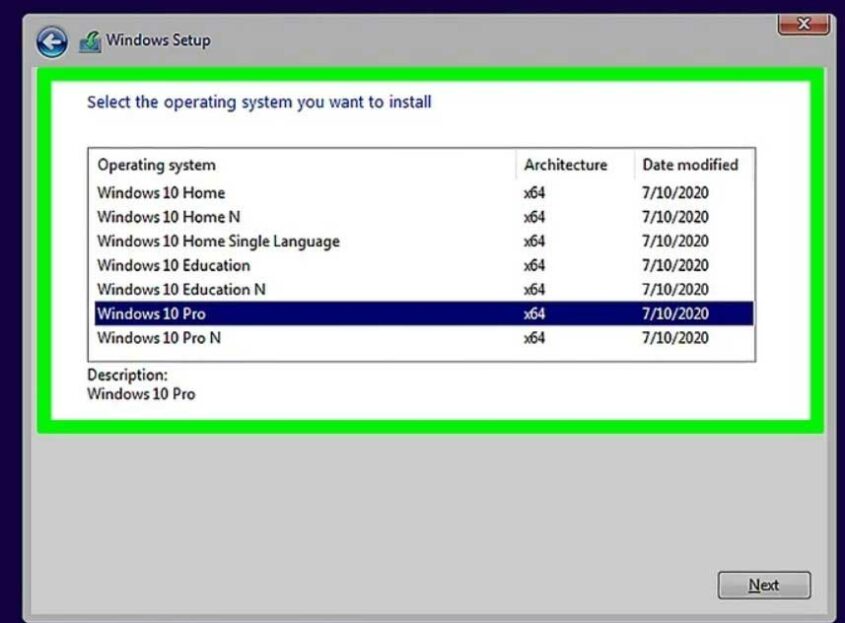
install the operating system using a bootable USB drive. follow on-screen instructions carefully.
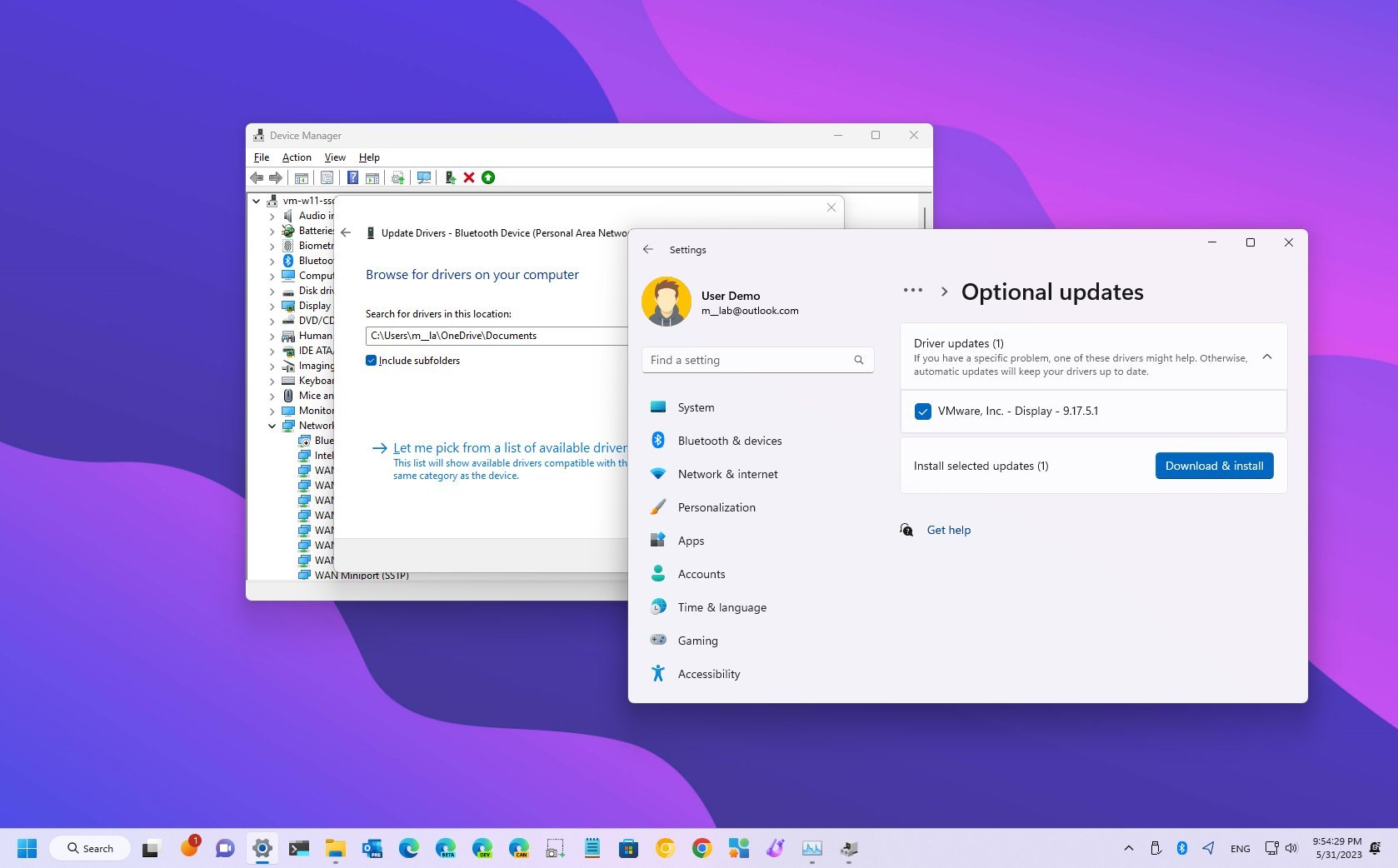
after installation, install chipset, graphics, and network drivers. keep the system updated for stability and security.
Common Beginner Mistakes to Avoid
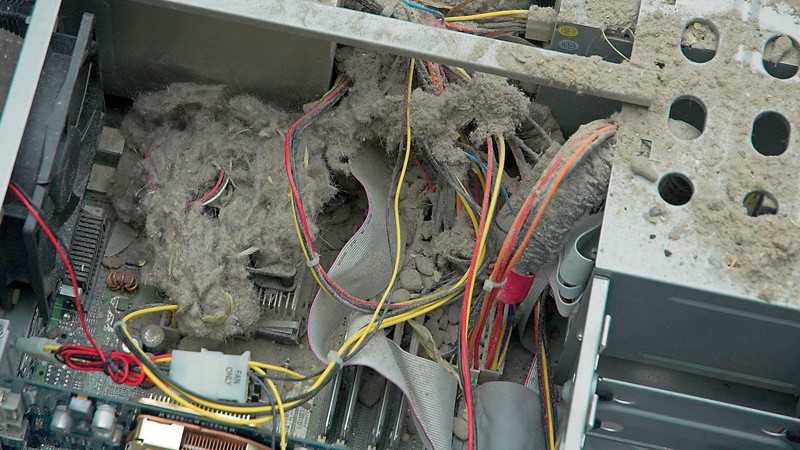


common mistakes include forgetting motherboard standoffs, using too much thermal paste, and ignoring airflow.
another frequent issue is mixing incompatible parts. careful planning avoids this entirely.
learning from mistakes is part of the process, but most can be avoided with patience and preparation.
Maintenance and Upgrades Over Time
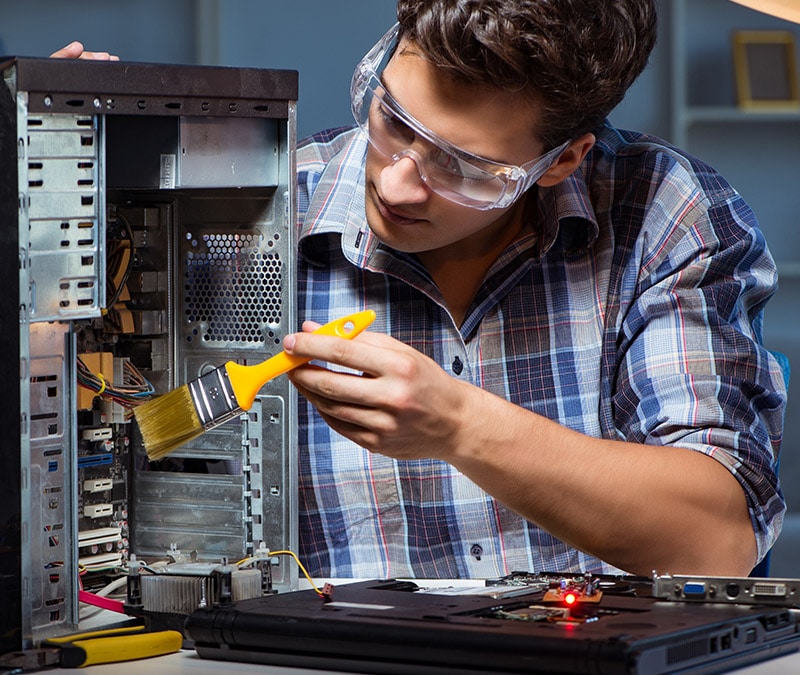


a custom PC is easy to maintain. clean dust regularly. monitor temperatures occasionally.
upgrading RAM, storage, or graphics later is simple if the system was planned well. this flexibility is one of the biggest advantages of building your own PC.
Key Takeaways
- building a PC is about planning and balance
- compatibility matters more than brand names
- quality power supply protects the entire system
- airflow and cooling improve stability and lifespan
- patience prevents mistakes during assembly
- upgrades are easier with a well-chosen foundation
Conclusion
building a PC is one of the most rewarding technical skills you can learn. it teaches problem-solving, patience, and a deeper understanding of technology you use every day. through my own builds, i have learned that confidence comes from preparation, not prior expertise.
once you build your first system, future upgrades and repairs become far less intimidating. you stop relying on prebuilt solutions and start shaping your own computing experience.
with the guidance in this article, you have everything needed to build a PC safely and effectively. take your time, double-check each step, and enjoy the process. the final result is a system that reflects your needs, choices, and effort.
Read: 3X-UI: A Deep Guide to Modern Network Interface Management
FAQs
Is building a PC difficult for beginners
no, with planning and patience, beginners can build a PC successfully without technical background.
How long does it take to build a PC
most first-time builders take three to five hours including setup and software installation.
Do i need expensive tools to build a PC
no, a screwdriver and basic preparation are sufficient.
Is building cheaper than buying prebuilt
often yes, especially when balancing performance and upgrade flexibility.
Can i upgrade my PC later
yes, custom-built PCs are designed for easy upgrades over time.